About:
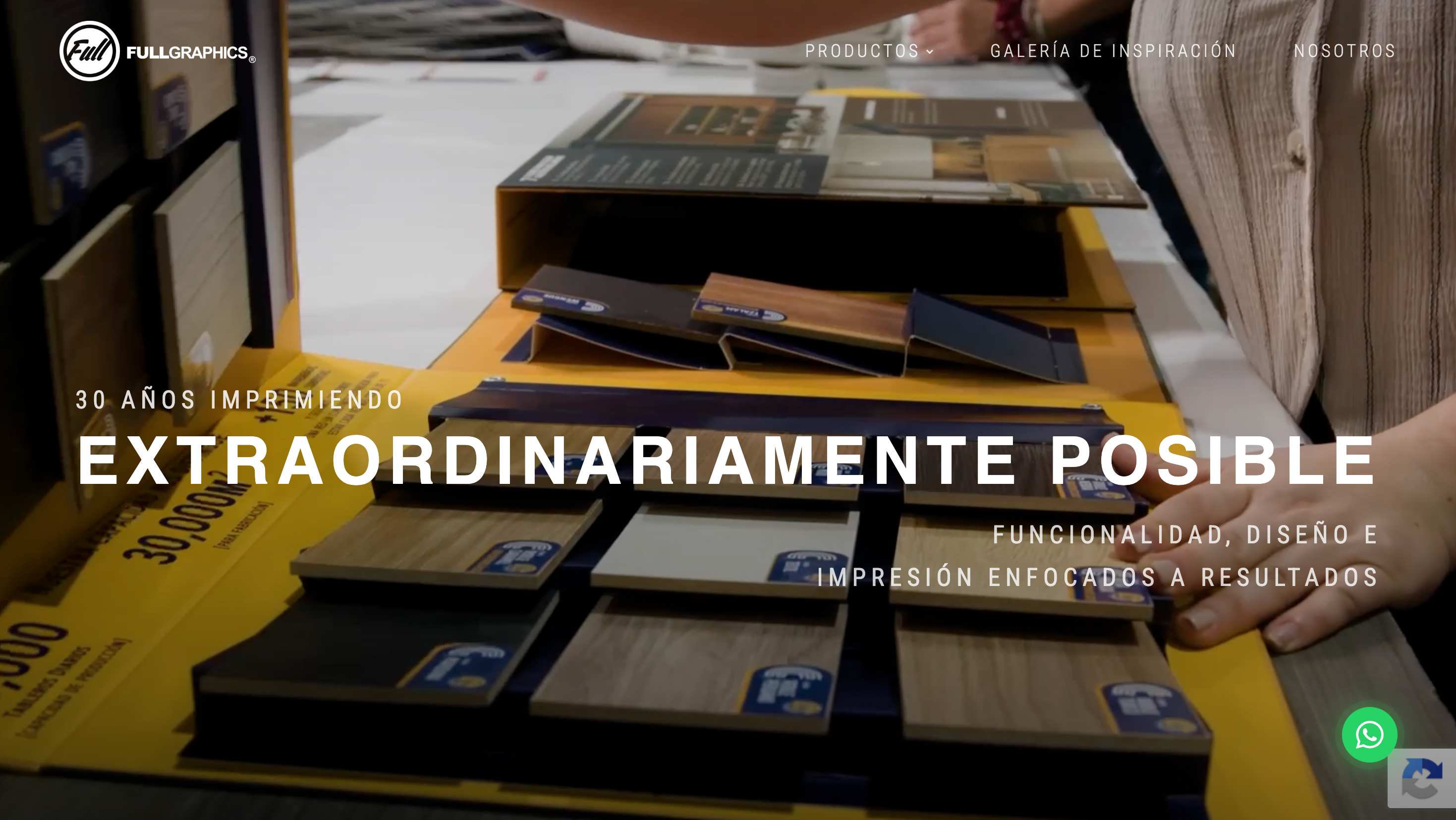
Full Graphics is a printing and personalized-products business based in Guadalajara, Mexico, running its store on the Kalles theme. Many of their products require customers to supply their own photos.
Industry:
Printing & personalized products
Location:
Guadalajara, Mexico
For a personalized-products store, the moment a customer decides to upload their photo “later” is a moment things can go wrong. Full Graphics needed Shopify to guide those customers automatically — but only the ones who actually needed guiding. Here's the custom flow The4 built.
The Challenges
On Full Graphics' products, customers can either upload their photos during checkout (“Upload now”) or defer it (“Upload later”) via Globo Product Options. The brief was precise:
- When a customer chooses “Upload later”, they should receive — in addition to the standard order confirmation — clear, step-by-step instructions on how to upload their photos afterward, with an attached / linked guide.
- When a customer chooses “Upload now” and uploads during purchase, that instruction email should not be sent.
- The flow had to read the customer's actual choice and behave conditionally, so no one is confused and no one is over-emailed.
The Solutions
The4 implemented a custom, condition-based email flow on the store's Shopify order emails rather than relying on an extra third-party tool.
Reading the customer's choice
We captured the relevant selection from Globo Product Options and distinguished the “Upload later” condition from “Upload now” — so the flow knows exactly which customers still need to send their photos.
Conditional instruction email
For “Upload later” orders, we triggered a clear instruction message with step-by-step guidance and the corresponding guide document, while “Upload now” orders skipped it entirely. The result is the right message to the right customer, automatically.
The Results
The4 delivered a working, condition-based upload-instruction flow built into Full Graphics' Shopify order emails — customers who defer their photo upload now receive clear, automatic guidance, while those who upload at purchase aren't sent unnecessary emails. Fewer confused customers, a smoother post-purchase experience, and no extra app dependency.
Conclusion
The best ecommerce logic is invisible: it just sends the right message at the right time. The Full Graphics project shows The4 building precise, conditional post-purchase flows on Shopify that fit a real business process. If your store needs custom logic or automation done right, this is exactly the kind of work our team does every day.
Need custom Shopify logic or automation? Explore The4's Shopify services, or browse our premium Shopify themes trusted by 48,000+ merchants worldwide.